Some things are rather hard to describe. Take a hammer, for example. It has a handle and a striking part and that's it. The description is complete, unless the handle is decorated with, say, diamonds and the striking part can also be used to pull nails. And that doesn't mean it's a bad hammer, but describing it seems like mockery. So, speaking of today's review, imagine a simple microATX board with integrated graphics. That's ECS H61H2-M3 for you. And below we shall pay attention to several details you might have imagined differently.
Design
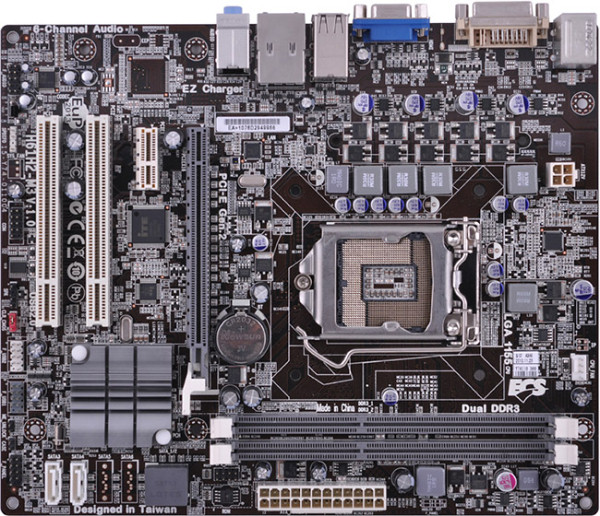
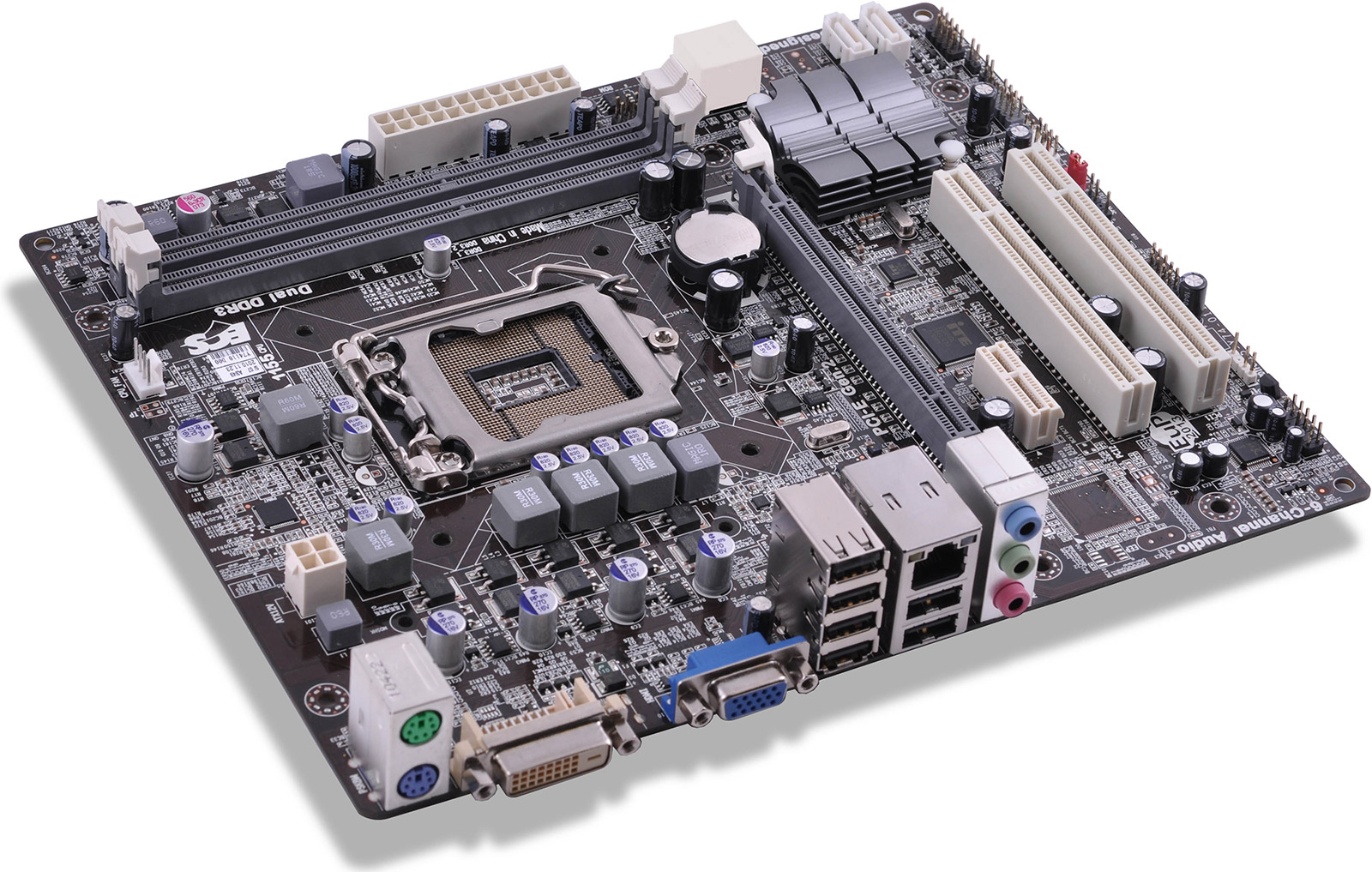
The layout is standard and decent enough. 2 SATA ports are vertical, the other 2 are horizontal. There are no PATA (IDE) ports as well as FDD or LPT. There's a COM header, but you'll have to get a bracket yourself. Same with S/PDIF — there's an onboard connector, but that's it. Also onboard is a connector for enclosure opening sensor, maybe as a tribute to corporate customers. The rest is standard.
The CPU VRM is very simple, with 4 phases, 1 choke and 2 MOSFETs per phase.
Of cooling, there's a chipset heatsink and just two fan connectors: 4-pin CPU and 3-pin system. Only the CPU one can be controlled and monitored.
BIOS
ECS H61H2-M3 features an EFI and generally provides necessary functionality. By the way, if your board's firmware was released before July 11, 2011, you should really upgrade. That might get you mouse support.
The M.I.B III section has a lot of settings that seems like related to overclocking, but they are not and you won't be able to truly overclock the K series. Take voltage management, for example:
- CPU: up to +320 mV;
- IMC: up to +375 mV;
- DRAM: -200 mV to +600 mV.
What's more important, the BIOS supports user-oriented features like selecting bootable drives without changing parameters, custom profiles, firmware upgrade from USB dongles and other media.
Box and package
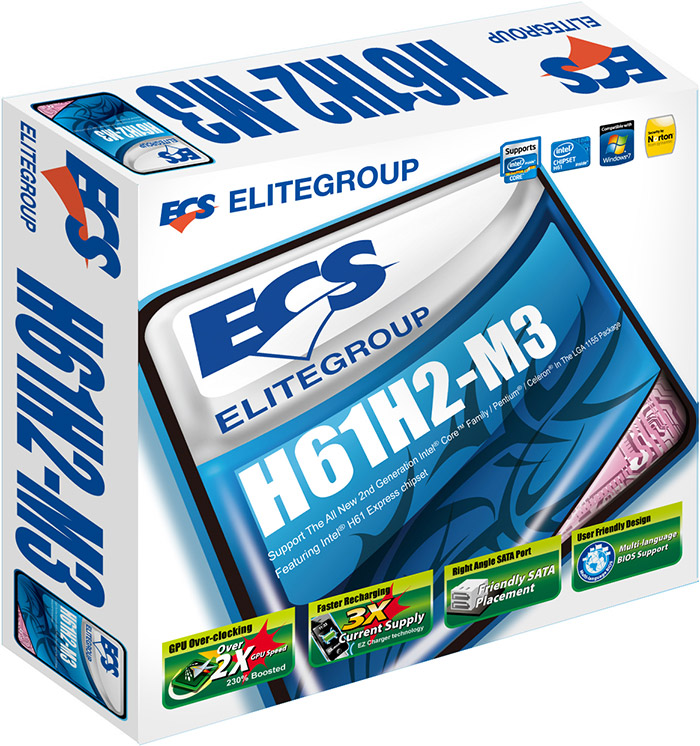
The package includes a quick setup guide, a user manual, a back-panel faceplate, 2 SATA cables and a software CD. Let's take a look at supplied utilities, of which there are five:
- M.I.B III — actually a part of the EFI;
- eJIFFY — a Linux-based environment you may boot instead of an OS to surf the Web, browse photos, talk to buddies over Instant Messenger;
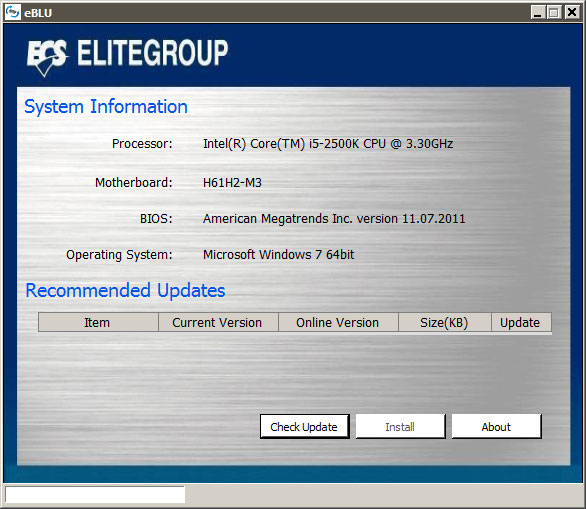
- eBLU — ECS BIOS Live Update;
- eDLU — ECS Driver Live Update;
- eSF — ECS Smart Fan.
eBLU is a really simple tool that can compare the current BIOS version with what's on the official website and update it if needed.
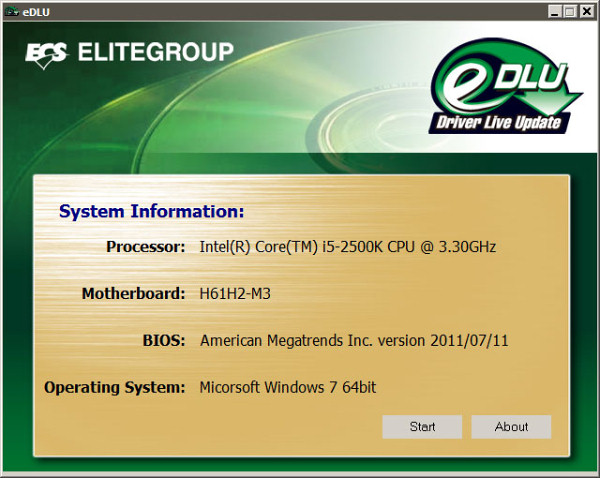
eDLU doesn't work as nicely. The only thing it can actually do is find out the motherboard model and launch ECS's driver page in Internet Explorer (whether it's your default browser or not). You are free to check for newer drivers yourself.
ECS Smart Fan allows you to choose a CPU fan mode. You can also do that in BIOS.
Features
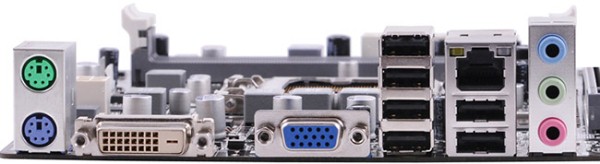
The back panel is simple, with 6 USB 2.0 ports. It's nice there's a DVI connector as well.
ECS H61H2-M3 is based on the Intel H61 chipset that differs from H67 by supporting fewer PCIe lanes (6 vs. 8), USB 2.0 ports (10 vs. 14) and SATA ports (4 vs. 6). But given board's purpose, that isn't a bad thing. Auxillary controllers include:
- Integrated audio based on the 5.1-channel Realtek ALC622 HDA codec, there's an onboard S/PDIF-Out we've already mentioned;
- 10/100 Mbps Ethernet based on Realtek 8105E;
- PCIe-PCI bridge based on ITE IT8893E.
The ALC622 audio codec doesn't support any interesting multi-channel audio technologies, so we just tested its analog output with the help of RightMark Audio Analyzer 6.2 and ESI Juli@.
| Test |
16-bit, 44 kHz |
32-bit, 44 kHz |
| Frequency response (40 Hz to 15 kHz), dB |
+0.03, -0.07 |
+0.03, -0.03 |
| Noise level, dB(A) |
-94.4 |
-94.1 |
| Dynamic range, dB(A) |
92.0 |
92.0 |
| Total harmonic distortion, % |
0.0043 |
0.0035 |
| Total harmonic distortion + noise, dB(A) |
-70.6 |
-83.4 |
| Intermodulation distortion + noise, % |
0.045 |
0.0079 |
| Channel crosstalk, dB |
-95.4 |
-94.5 |
| Intermodulation distortion at 10 kHz, % |
0.023 |
0.0086 |
| Overall grade |
Very good |
Very good |
Final thoughts
ECS H61H2-M3 is a working, stable microATX motherboard on Intel H61 without any particular extras. While it will hardly become a bestseller, the board will find its customer who will, most likely, choose it because of its low price. And that's exactly where ECS products are quite competitive.
Write a comment below. No registration needed!